Horizontal Camera Reels VN Template: Create a Cinematic Wide-Frame Edit
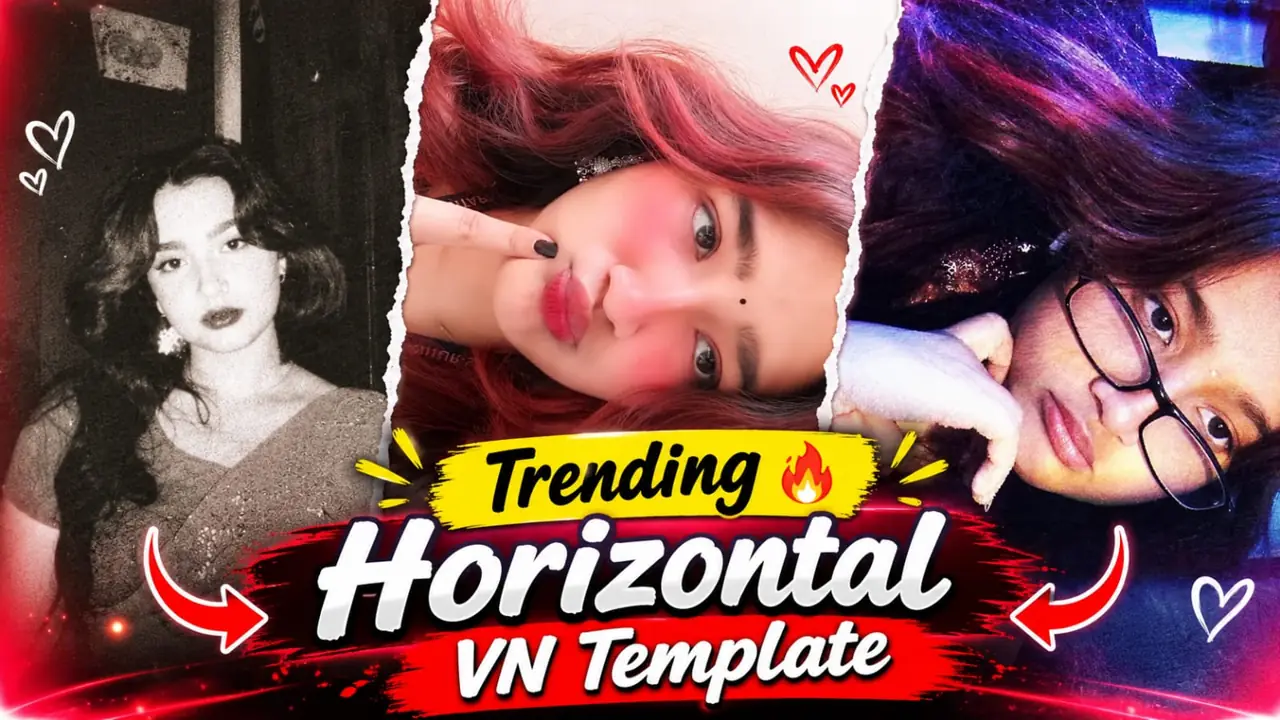
Horizontal Camera Reels VN Template is the starting point for this original HilluBhai editing walkthrough. Explore our VN Reels editing guide for related ideas, then follow the practical creative plan below to give your own footage a clear story.
Plan the pictures first, then choose the effects. The suggestions below are a creative workflow, not a claim that one template guarantees viral reach.
Build the shot around the frame
A horizontal-camera edit places a wide visual inside a portrait presentation. Treat the landscape window as a deliberate composition rather than stretching a photograph until it fills every edge. A road, a skyline or a pair of people with room around them makes the arrangement easier to read.
Plan a three-shot sequence
Begin with a wide establishing view, move to a medium shot and finish on one memorable detail. For example, show the beach, then a person walking beside the water, then a hand holding a shell. Keep the camera direction consistent so the viewer experiences a small journey instead of unrelated images.
Keep horizontal lines level
Tilted horizons are especially noticeable in a narrow landscape window. Straighten the source image before making fine position adjustments. Check the upper and lower edges for cut-off heads or hands. If the subject is too tight, use another photograph instead of scaling a low-resolution crop beyond its useful detail.
Use movement sparingly
A gentle sideways move can help a wide frame feel like a camera travelling across a scene. Give it a clear start and finish. Avoid a large zoom on every beat: the frame itself already supplies a strong visual idea. Compare a still version with the moving version before deciding which looks calmer.
Choose a clean background
The unused portrait area can support the picture through one solid colour or a restrained blurred background. Keep decorative text outside the important picture area. A short location label is enough for a travel edit. If the background becomes more striking than the scene, reduce its contrast.
Check the horizontal reveal
Play the transition into the wide frame at normal speed. Make sure it does not briefly expose empty canvas or duplicate borders. Review the cover separately because a cropped feed thumbnail can hide the very frame that makes this style recognisable.
Get the right template before editing
If you want a ready-made VN version, use a QR image or project file that its creator has made available. A title alone does not identify a unique project. Compare the preview with the effect you want, and check access conditions before downloading. HilluBhai has not imported or playback-tested a source QR for this guide; there is no invented download code here.
Prepare and import your media
Keep your selected originals in one folder and remove accidental duplicates. Open a regular project for a manual edit, or use VN’s template import controls for a legitimate creator-supplied file. Follow the prompts shown in your version. Preview every replacement rather than assuming the first crop is correct. Preserve the original files so that a mistaken edit does not become your only copy.
Export a short test first
Use 1080p as a practical starting point when your source material supports it. For a typical photo sequence, 30 fps is a reasonable first test; match moving footage appropriately instead of choosing a higher number automatically. Check the rendered video in your gallery for sharpness, audio timing, black edges and clipped captions. A higher export resolution cannot restore detail absent from the source.
Post with the right permissions
Use photographs and audio that you are entitled to publish. A template does not automatically grant every music licence or permission to repost another person’s image. Credit the actual template creator where required. Add music through the platform’s available library only when its terms fit your intended use. Keep the editable project alongside the final render so you can correct an error without rebuilding the entire sequence.
Test the frame on different screens
Watch the wide window at arm’s length on your phone. A landscape scene that looks detailed on a monitor can become tiny inside a portrait video. If the person disappears into the background, select a closer shot rather than enlarging every frame. Keep the width of the window consistent across the sequence. For a travel story, check that the location still feels recognisable after the feed crops the cover. Make one version with a plain background and one with a subdued blur, then choose the version that gives the picture more breathing room.
Final review checklist
| Check | What to look for |
|---|---|
| Framing | Important details stay visible from beginning to end. |
| Timing | Images and text remain readable at normal speed. |
| Export | The saved video matches your intended shape and sound. |
Topic reference and preview image: Ghaus Editz. Preview rights remain with their respective owners. This HilluBhai tutorial is independently written; the image is a source preview, not proof of a tested template. Reference title: Trending Horizontal Camera Reels VN Template Code | Instagram Viral Horizontal Camera Reels Editing VN Code. No third-party branding has been removed.


Post Comment