Ambarsariya VN Edit: Make a Thoughtful Childhood-to-Present Reel
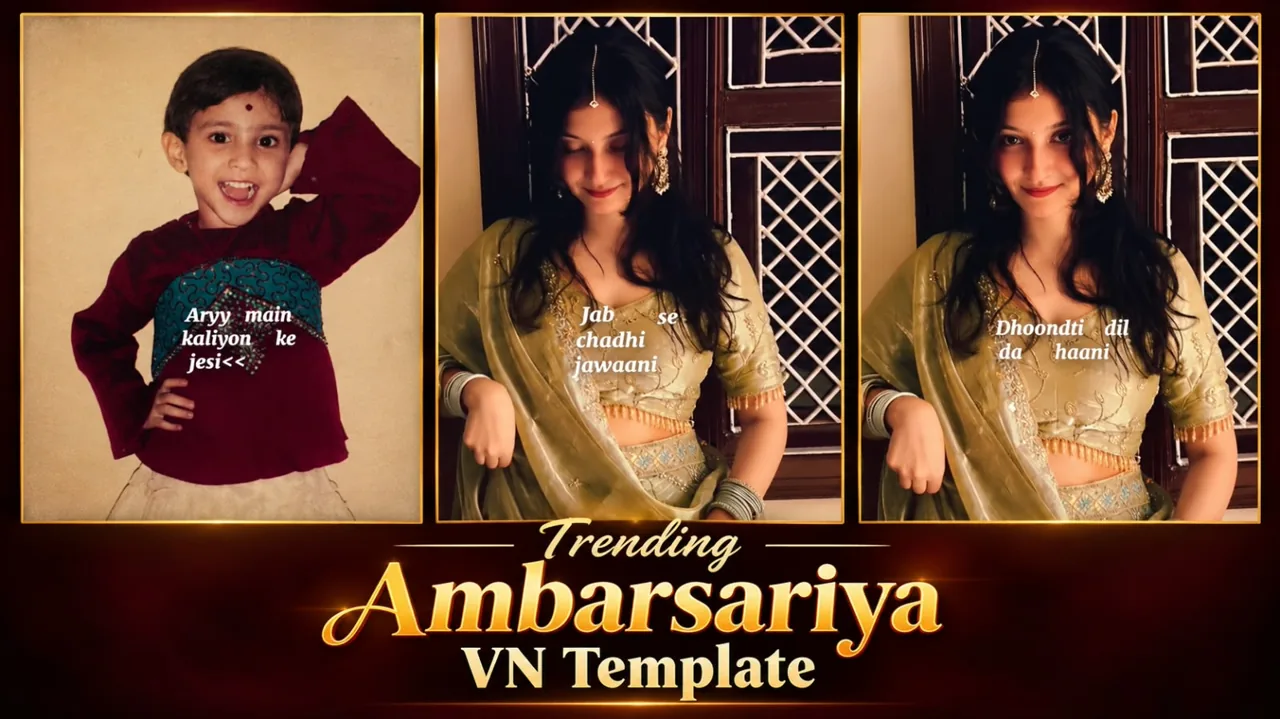
Ambarsariya VN Edit is the starting point for this original HilluBhai editing walkthrough. Explore our VN Reels editing guide for related ideas, then follow the practical creative plan below to give your own footage a clear story.
VN Template QR Code
Save the original QR image below to your phone. Open VN, use its QR scanner and choose the saved image from your gallery. Follow the template import prompts, replace the media and preview the result.
Template 1
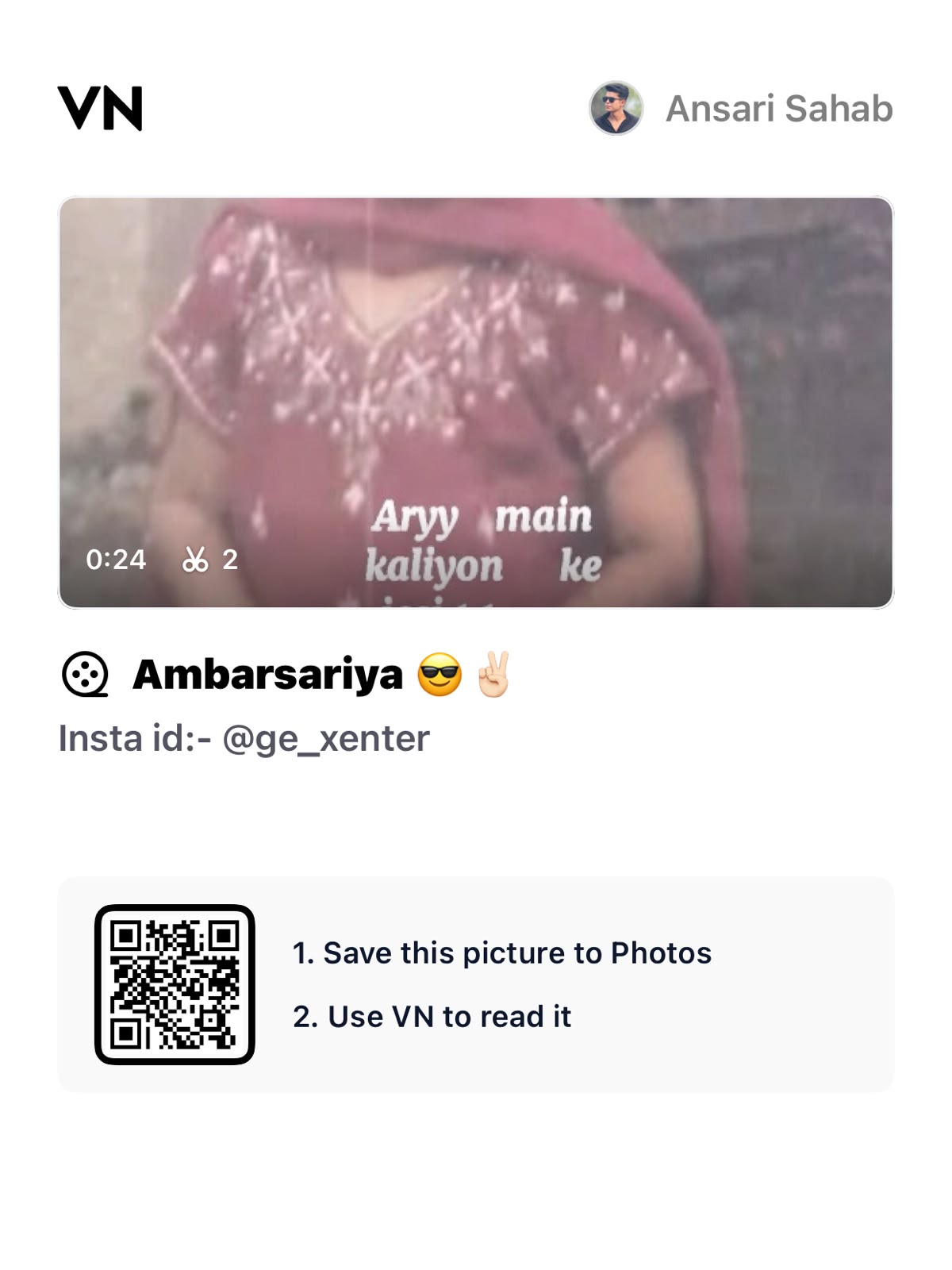
Decoded VN template code:
VN://template?uuid=6c682791010f4289a73e2560c48c83c6The QR payload has been decoded and confirmed to contain a VN template identifier. Import availability and playback inside VN have not been tested. If VN cannot retrieve it, the creator may have removed or restricted the project.
Plan the pictures first, then choose the effects. The suggestions below are a creative workflow, not a claim that one template guarantees viral reach.
Choose a clear transformation idea
A childhood-to-present edit is easiest to understand when both images share a visual connection. Look for a similar expression, head angle or pose. The comparison can feel playful and personal without making exaggerated claims about a song trend or a guaranteed viral result.
Prepare the childhood photograph
Use a clean scan or the highest-quality family copy available. Crop away distracting borders carefully. Avoid altering the face so heavily that the image stops looking like the original memory. If the picture includes other children, consider whether you should crop or obtain permission before posting it publicly.
Match the present-day portrait
Try to repeat the camera height and approximate face position. A similar background brightness helps the transition feel smoother. You do not need identical clothing or a professional shoot. A well-lit portrait with a simple background is often enough to create a readable comparison.
Align eyes before adding motion
Place the images so the eyes occupy similar positions within the frame. Preview the transition slowly, then at normal speed. Large alignment changes can feel jarring even when the effect itself is smooth. Correct the framing first and only then decide whether a zoom or a flash adds anything useful.
Let the reveal be the highlight
Keep the setup simple so the present-day image has room to make an impact. Too many text layers can explain the surprise before it happens. Use a short date or age label only if it improves clarity, and never invent a date for an old photograph.
Keep the result kind
Choose captions that celebrate a memory instead of mocking an earlier appearance. Make the comparison about your own journey. Review the cover crop so that both the subject and the transformation idea remain understandable when the video is not playing.
Import the supplied QR code
Use the QR image above in VN’s scanner, follow the import prompts and replace the template media with your own photographs or clips. Keep the creator’s restrictions and credit requirements in mind.
Prepare and import your media
Keep your selected originals in one folder and remove accidental duplicates. Open a regular project for a manual edit, or use VN’s template import controls for a legitimate creator-supplied file. Follow the prompts shown in your version. Preview every replacement rather than assuming the first crop is correct. Preserve the original files so that a mistaken edit does not become your only copy.
Export a short test first
Use 1080p as a practical starting point when your source material supports it. For a typical photo sequence, 30 fps is a reasonable first test; match moving footage appropriately instead of choosing a higher number automatically. Check the rendered video in your gallery for sharpness, audio timing, black edges and clipped captions. A higher export resolution cannot restore detail absent from the source.
Post with the right permissions
Use photographs and audio that you are entitled to publish. A template does not automatically grant every music licence or permission to repost another person’s image. Credit the actual template creator where required. Add music through the platform’s available library only when its terms fit your intended use. Keep the editable project alongside the final render so you can correct an error without rebuilding the entire sequence.
Make the comparison fair
Try matching the distance between the eyes in both photographs before comparing the overall face position. A very wide childhood picture and an extremely close present portrait can create a distracting jump. Crop from copies so the family original remains intact. If dates are uncertain, use a simple label such as then and now rather than guessing a year. You can also make the reveal about a repeated hobby, location or pose. Those connections tell a richer story than treating appearance alone as the whole purpose of the edit.
Final review checklist
| Check | What to look for |
|---|---|
| Framing | Important details stay visible from beginning to end. |
| Timing | Images and text remain readable at normal speed. |
| Export | The saved video matches your intended shape and sound. |
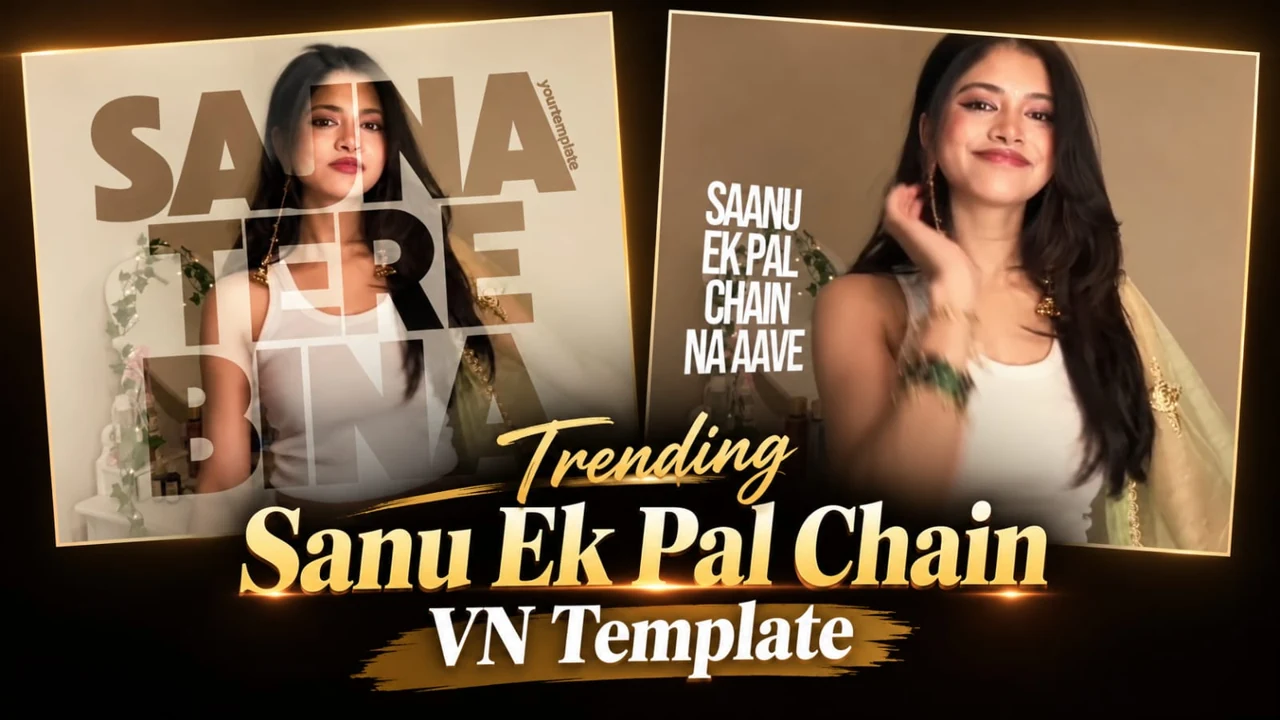
Topic reference and preview image: Ghaus Editz. Preview rights remain with their respective owners. This HilluBhai tutorial is independently written; the image is a source preview, not proof of a tested template. Reference title: Trending Jab Se Chadi Jawani Song Reels VN Template Code | Ambarsariya Song Reels Editing VN Code. No third-party branding has been removed.


Post Comment