Alfaaz VN Reel Editing: A Personal Memory Edit With Clean Timing
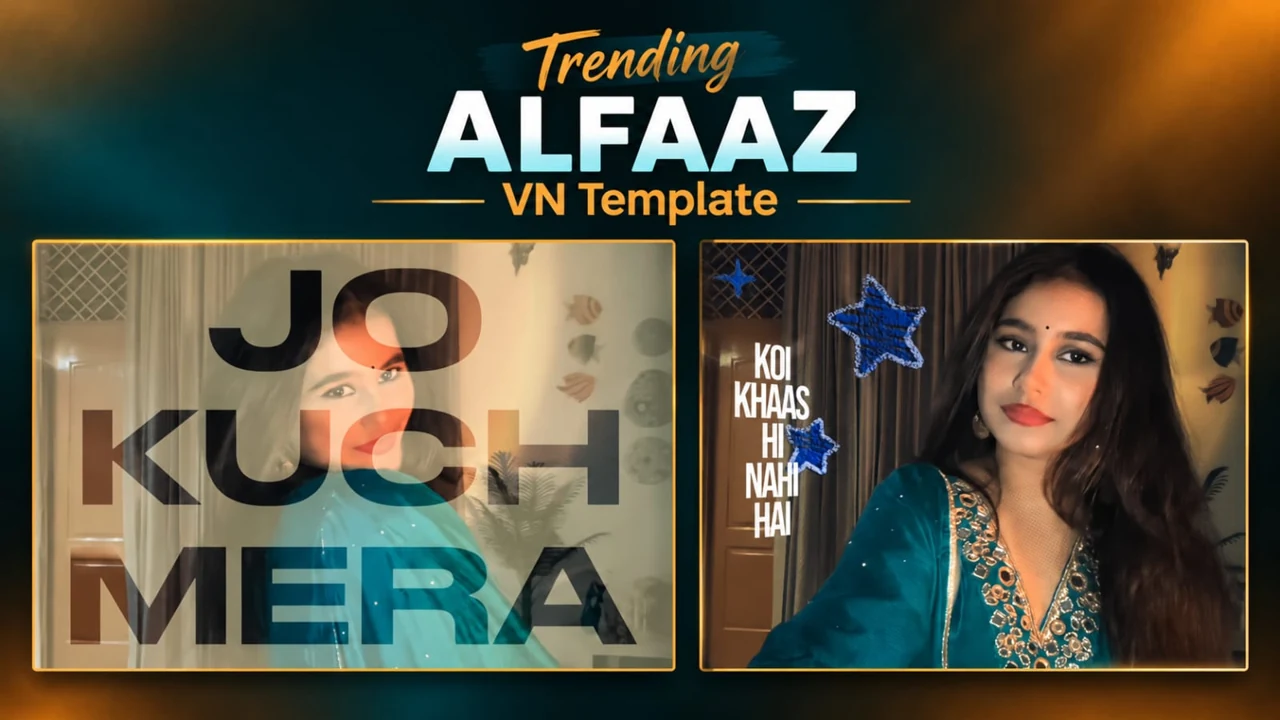
Alfaaz VN Reel Editing is the starting point for this original HilluBhai editing walkthrough. Explore our VN Reels editing guide for related ideas, then follow the practical creative plan below to give your own footage a clear story.
Plan the pictures first, then choose the effects. The suggestions below are a creative workflow, not a claim that one template guarantees viral reach.
Choose the meaning before the effect
For an Alfaaz-style memory edit, begin with the feeling you want to communicate. A portrait collection can express gratitude, affection or remembrance without literal illustration. Choose one of those directions. Trying to express several different moods in a few seconds can make the sequence feel confused.
Give the opening image space
Use a photograph with a clear subject and a quiet background. Let it appear long enough for recognition before the first change. An opening filled with tiny text and several moving layers can lose the viewer before the actual memory arrives. Keep the first caption optional rather than essential.
Arrange photographs by connection
Group images from the same occasion or period together. Move from a broad context to a personal detail, or follow a simple chronological order. The important choice is consistency. A viewer should understand why one photograph follows another even without reading the caption.
Keep motion directional
If your first image moves gently from left to right, avoid reversing direction abruptly on the next image without a reason. Small movements can create continuity across still photographs. Watch the sequence at normal speed and remove any movement that feels more like an accident than a design choice.
Use text sparingly
A single short original sentence can support the edit. Avoid treating every musical phrase as a demand for another text layer. Check spelling, line breaks and contrast against every image beneath it. A caption that is readable on a large editing preview may be too small on a phone feed.
Close on a complete thought
End with the image that best represents the person or memory, rather than the last file in your gallery. Leave a brief moment of stillness if the music allows. A clear ending encourages the viewer to remember the story rather than only the transitions.
Get the right template before editing
If you want a ready-made VN version, use a QR image or project file that its creator has made available. A title alone does not identify a unique project. Compare the preview with the effect you want, and check access conditions before downloading. HilluBhai has not imported or playback-tested a source QR for this guide; there is no invented download code here.
Prepare and import your media
Keep your selected originals in one folder and remove accidental duplicates. Open a regular project for a manual edit, or use VN’s template import controls for a legitimate creator-supplied file. Follow the prompts shown in your version. Preview every replacement rather than assuming the first crop is correct. Preserve the original files so that a mistaken edit does not become your only copy.
Export a short test first
Use 1080p as a practical starting point when your source material supports it. For a typical photo sequence, 30 fps is a reasonable first test; match moving footage appropriately instead of choosing a higher number automatically. Check the rendered video in your gallery for sharpness, audio timing, black edges and clipped captions. A higher export resolution cannot restore detail absent from the source.
Post with the right permissions
Use photographs and audio that you are entitled to publish. A template does not automatically grant every music licence or permission to repost another person’s image. Credit the actual template creator where required. Add music through the platform’s available library only when its terms fit your intended use. Keep the editable project alongside the final render so you can correct an error without rebuilding the entire sequence.
Read the caption against the pictures
Play the edit without audio and read your original sentence as if you are seeing the people for the first time. Does it give useful context, or does it repeat what the photograph already shows? Replace vague wording with a small detail you are comfortable sharing publicly. Keep the typeface consistent and avoid squeezing a long line into the bottom corner. If you cannot read the text before the image changes, shorten the sentence or extend that image. Save a version without lettering so you can reuse the sequence with another caption later.
Final review checklist
| Check | What to look for |
|---|---|
| Framing | Important details stay visible from beginning to end. |
| Timing | Images and text remain readable at normal speed. |
| Export | The saved video matches your intended shape and sound. |
Topic reference and preview image: Ghaus Editz. Preview rights remain with their respective owners. This HilluBhai tutorial is independently written; the image is a source preview, not proof of a tested template. Reference title: ALFAAZ Song Reels VN Template Code | Jo Kuchh Mera Hai Sab Kuchh Unka Reels Editing VN Code. No third-party branding has been removed.


Post Comment