Tere Mast Mast Do Nain VN Template Guide: Make Portraits the Focus
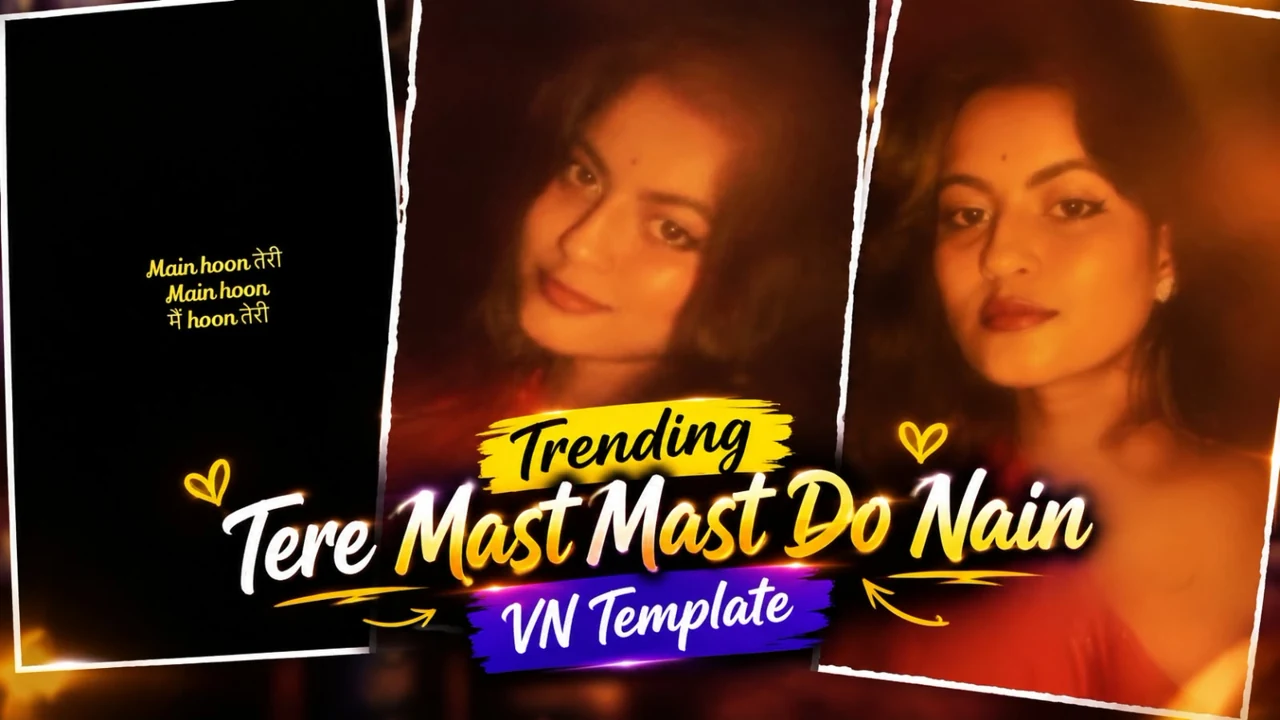
Tere Mast Mast Do Nain VN Template Guide is the starting point for this original HilluBhai editing walkthrough. Explore our VN Reels editing guide for related ideas, then follow the practical creative plan below to give your own footage a clear story.
VN Template QR Code
Save the original QR image below to your phone. Open VN, use its QR scanner and choose the saved image from your gallery. Follow the template import prompts, replace the media and preview the result.
Template 1
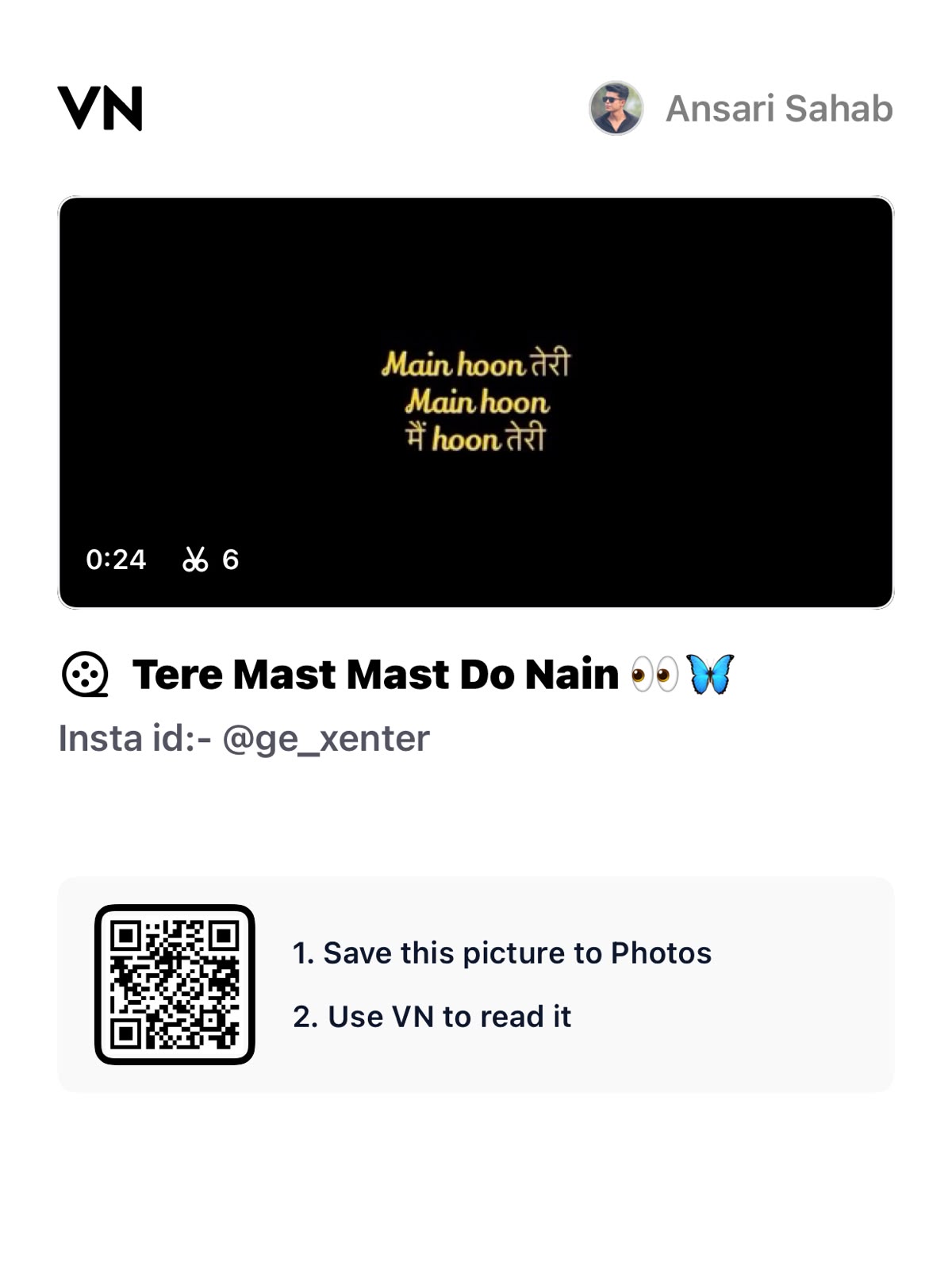
Decoded VN template code:
VN://template?uuid=52cc3ddfdb2949b08141187a0e18c4e2Template 2
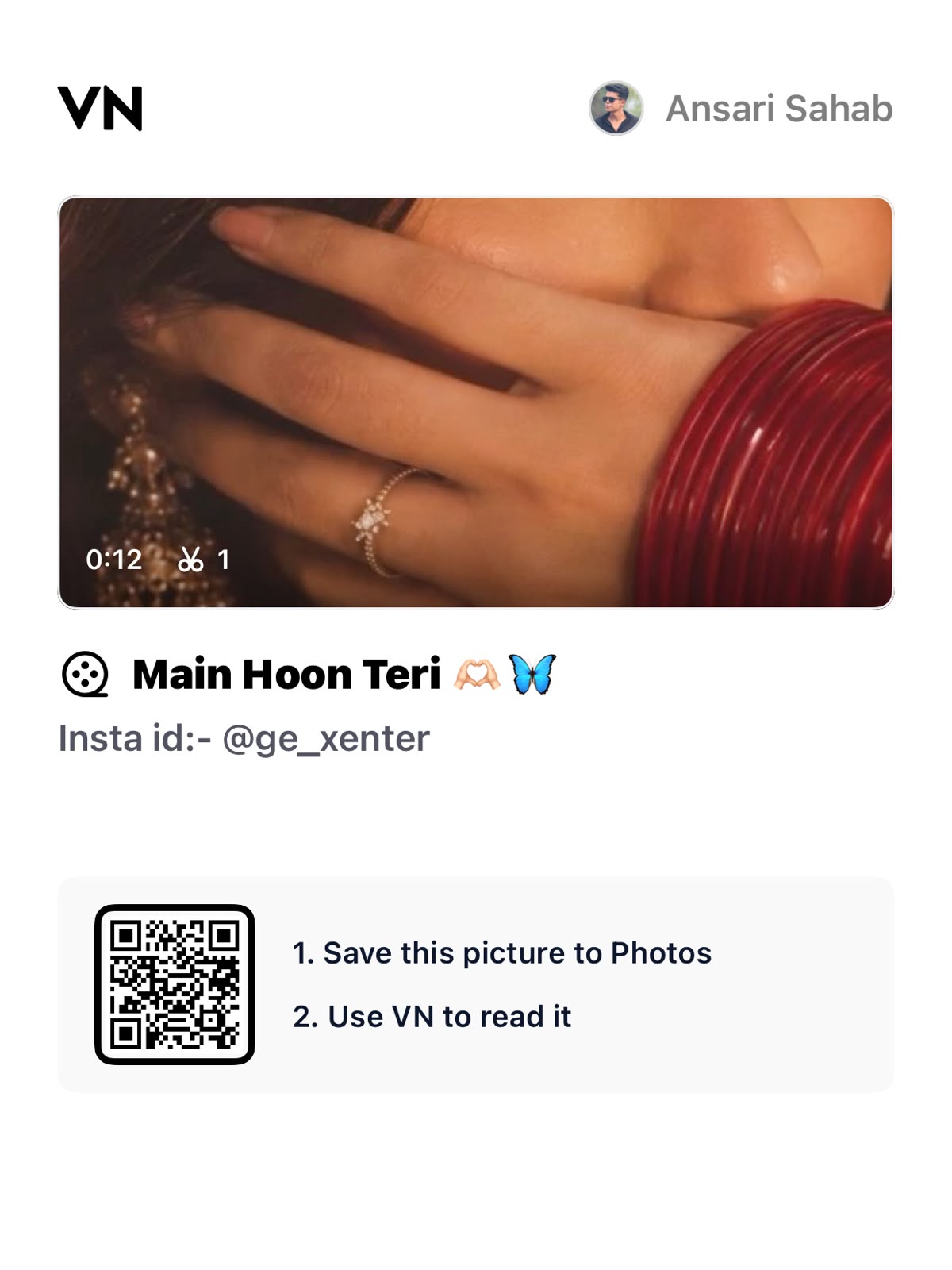
Decoded VN template code:
VN://template?uuid=6fea580bea83493da080acfd6a0b148fThe QR payload has been decoded and confirmed to contain a VN template identifier. Import availability and playback inside VN have not been tested. If VN cannot retrieve it, the creator may have removed or restricted the project.
Plan the pictures first, then choose the effects. The suggestions below are a creative workflow, not a claim that one template guarantees viral reach.
Start with a strong portrait
Choose a photograph where the face is sharp and the expression feels natural. Good source material matters more than a complicated transition. Avoid excessive retouching, especially around the eyes, because it can make the subject look artificial when the picture fills a phone screen.
Use framing to guide attention
Leave a little room around the face and avoid cropping through the chin or hair unexpectedly. A close-up can be powerful, but several near-identical close-ups can become repetitive. Include one wider view to establish the outfit or location, then return to the portrait.
Control highlights and shadows
Check bright areas on the forehead and cheeks before applying a filter. A small exposure adjustment is usually easier to balance than a dramatic effect. Compare the face across consecutive images so that the subject does not appear to change colour from one frame to the next.
Use a gentle push-in
If you want movement, try a modest scale change rather than a large zoom. Keep the eyes within the visible frame throughout. Watch the start and end positions carefully: a movement that looks fine in the middle may still crop an important feature at its final keyframe.
Choose minimal lettering
A portrait-led edit can work with no text at all. If you add a name or short original message, place it in an uncluttered area. Use consistent typography and avoid glowing effects that compete with the subject. Check contrast on the lightest and darkest images.
Review the portrait as a cover
Pause the final render on the frame you want to use as a cover. Make sure it still communicates the mood without motion. A clear face and a simple background generally remain readable at thumbnail size better than a busy transition frame.
Import the supplied QR code
Use the QR image above in VN’s scanner, follow the import prompts and replace the template media with your own photographs or clips. Keep the creator’s restrictions and credit requirements in mind.
Prepare and import your media
Keep your selected originals in one folder and remove accidental duplicates. Open a regular project for a manual edit, or use VN’s template import controls for a legitimate creator-supplied file. Follow the prompts shown in your version. Preview every replacement rather than assuming the first crop is correct. Preserve the original files so that a mistaken edit does not become your only copy.
Export a short test first
Use 1080p as a practical starting point when your source material supports it. For a typical photo sequence, 30 fps is a reasonable first test; match moving footage appropriately instead of choosing a higher number automatically. Check the rendered video in your gallery for sharpness, audio timing, black edges and clipped captions. A higher export resolution cannot restore detail absent from the source.
Post with the right permissions
Use photographs and audio that you are entitled to publish. A template does not automatically grant every music licence or permission to repost another person’s image. Credit the actual template creator where required. Add music through the platform’s available library only when its terms fit your intended use. Keep the editable project alongside the final render so you can correct an error without rebuilding the entire sequence.
Choose the right source resolution
Inspect the portrait at the size it will appear in the final frame before adding movement. If the eyes already look soft at that scale, a larger zoom will make the issue more visible. Use a less demanding crop or replace the photograph. Keep a little space above the head so stabilising or reframing does not create an accidental cut. Portraits taken in soft window light often need fewer corrections than harshly lit images. Compare the original and edited version once more before exporting to make sure the subject still looks natural.
Final review checklist
| Check | What to look for |
|---|---|
| Framing | Important details stay visible from beginning to end. |
| Timing | Images and text remain readable at normal speed. |
| Export | The saved video matches your intended shape and sound. |
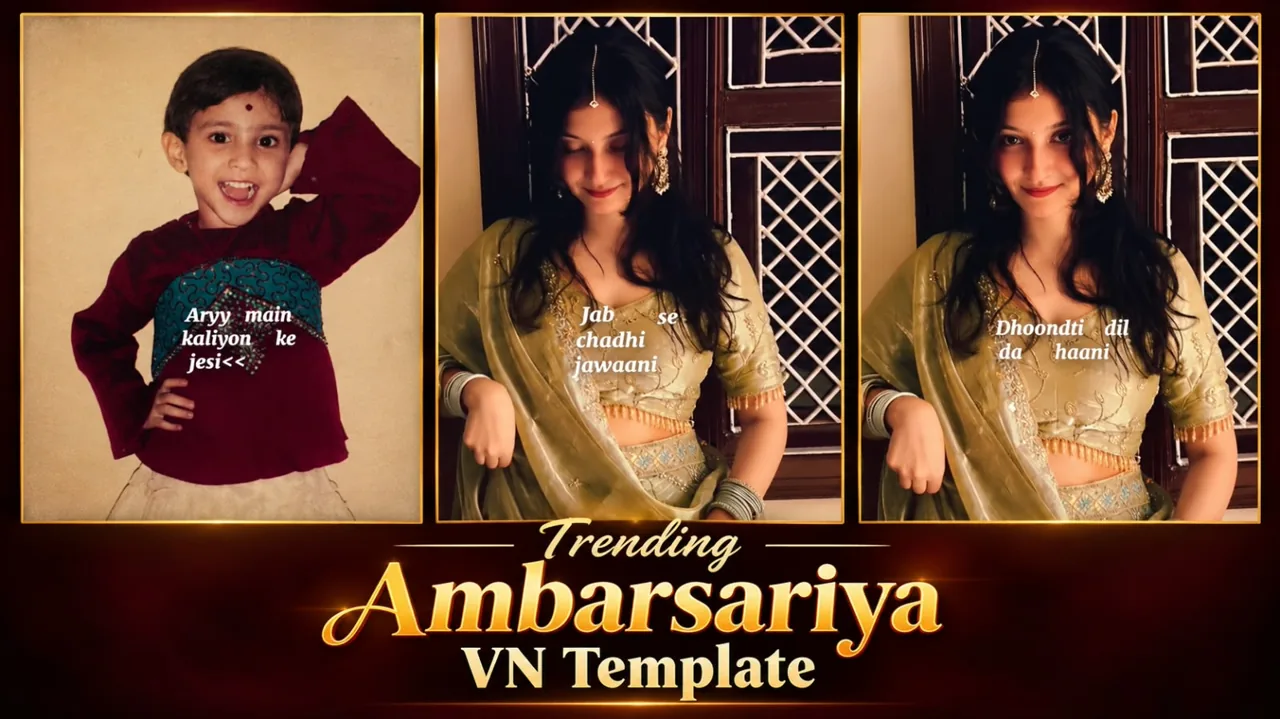
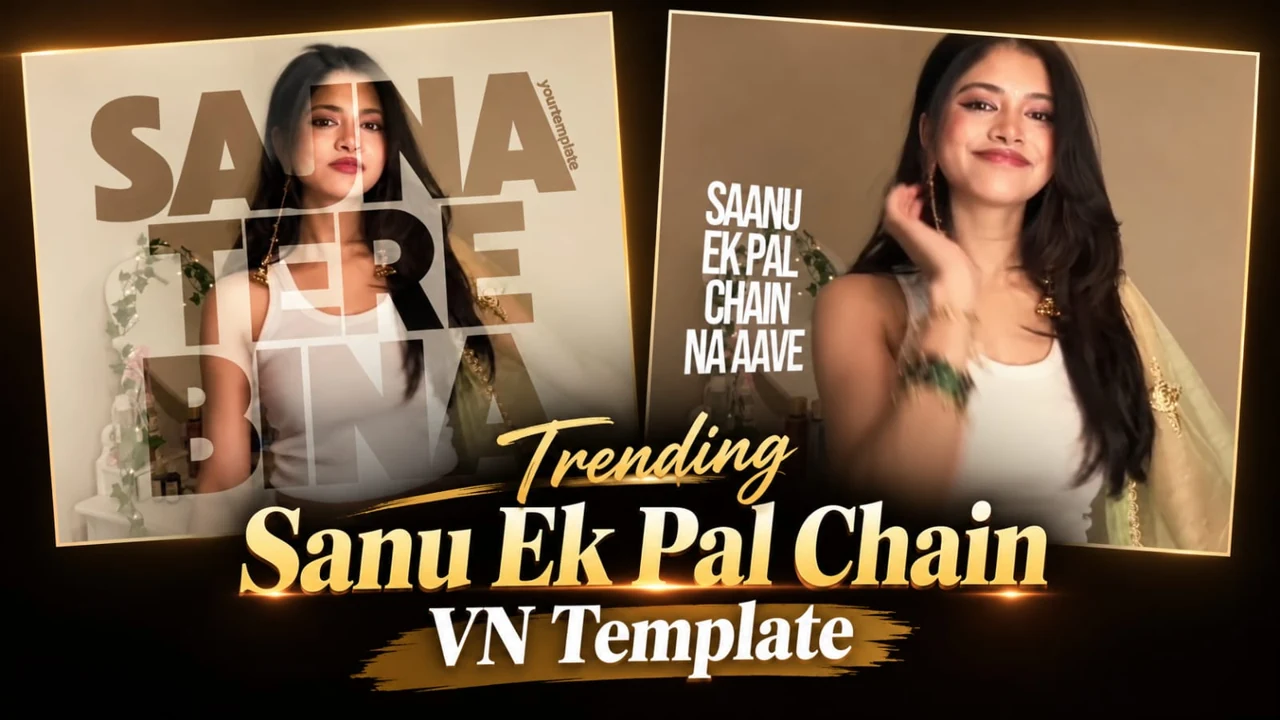
Topic reference and preview image: Ghaus Editz. Preview rights remain with their respective owners. This HilluBhai tutorial is independently written; the image is a source preview, not proof of a tested template. Reference title: Tere Mast Mast Do Nain VN Template Code – Main Hoon Teri Song Reels Editing Tutorial. No third-party branding has been removed.


Post Comment