Dilruba Dilnasheen VN Template Guide: Make a Soft Romantic Photo Reel
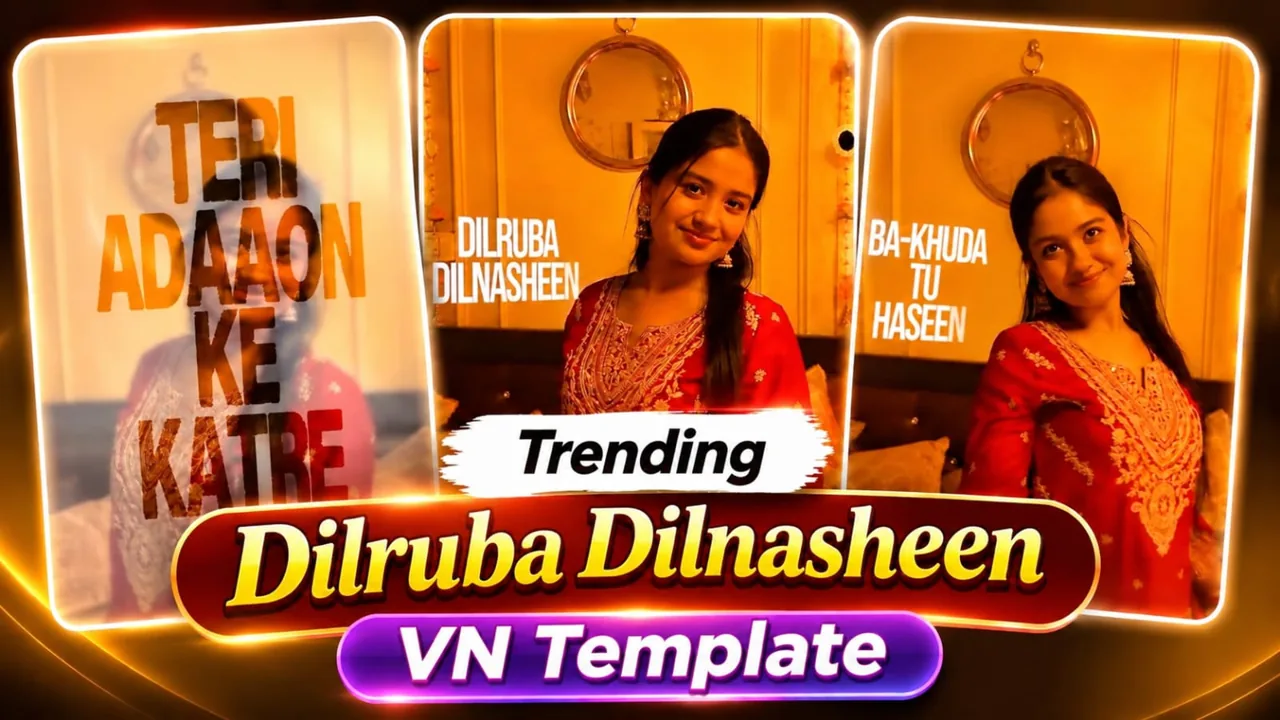
Dilruba Dilnasheen VN Template Guide is the starting point for this original HilluBhai editing walkthrough. Explore our VN Reels editing guide for related ideas, then follow the practical creative plan below to give your own footage a clear story.
VN Template QR Code
Save the original QR image below to your phone. Open VN, use its QR scanner and choose the saved image from your gallery. Follow the template import prompts, replace the media and preview the result.
Template 1
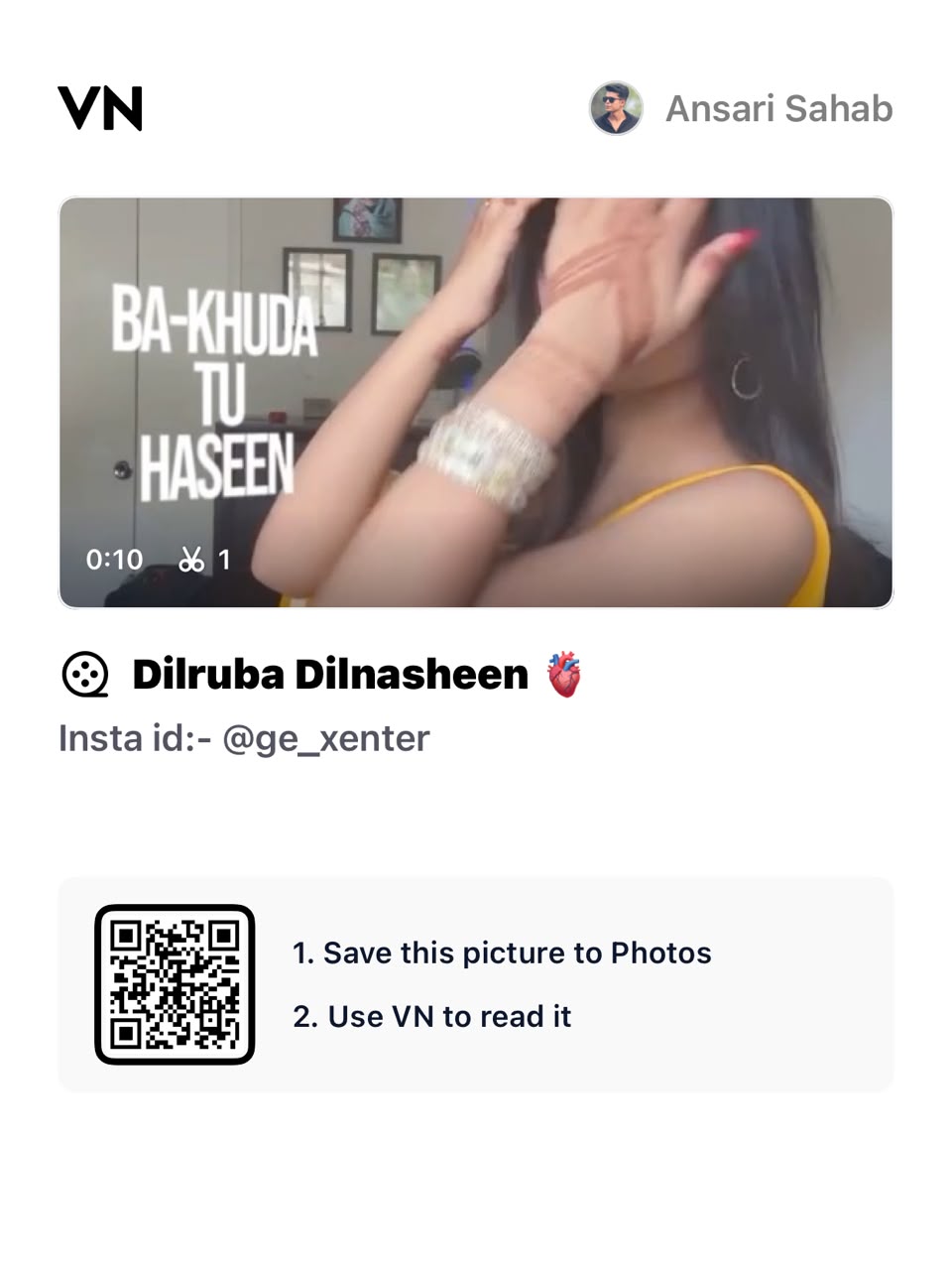
Decoded VN template code:
VN://template?uuid=965805bbc9184f759e1efb161db9aa51Template 2
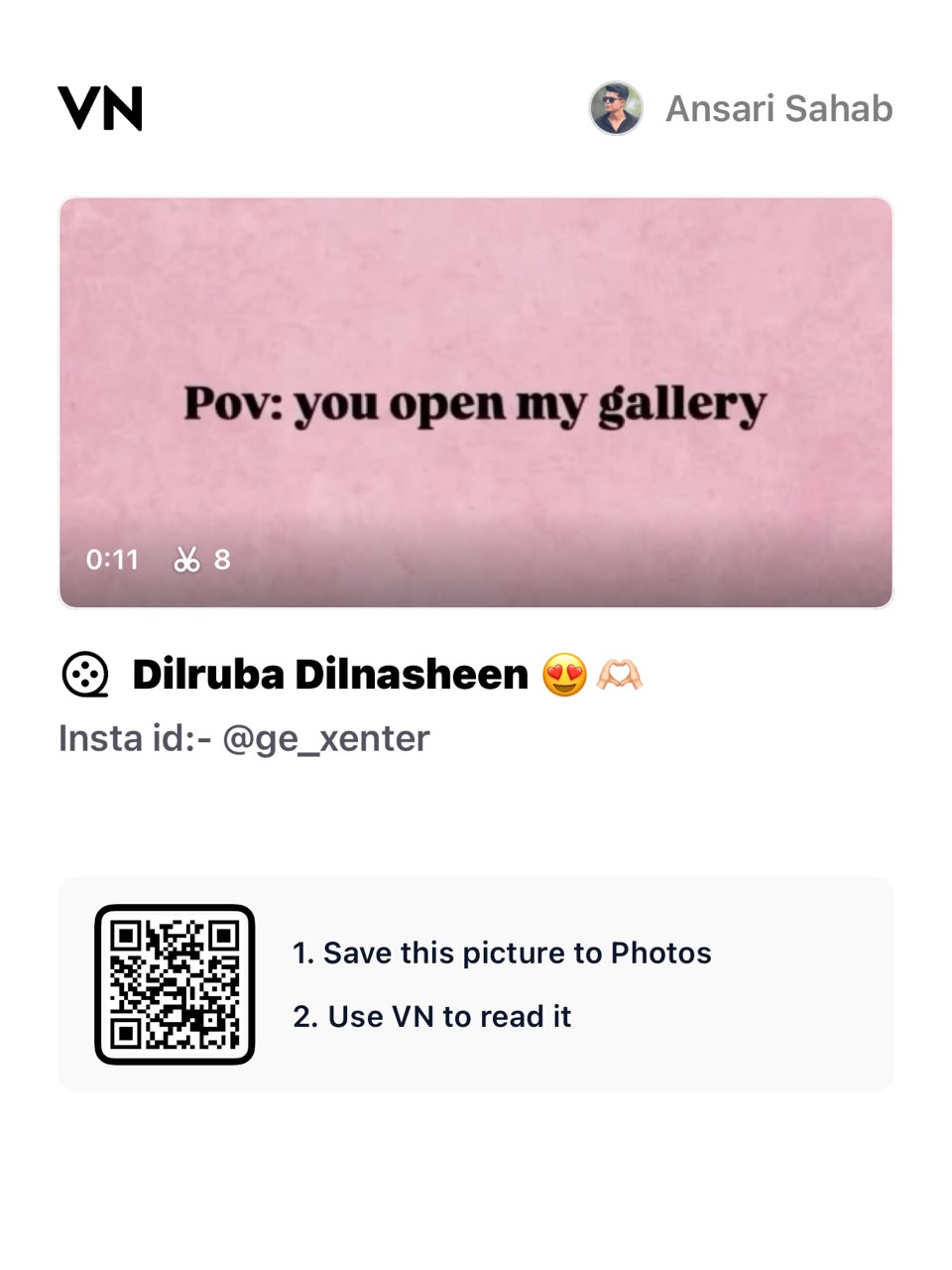
Decoded VN template code:
VN://template?uuid=d2bfc387678b46a3951096056086307eThe QR payload has been decoded and confirmed to contain a VN template identifier. Import availability and playback inside VN have not been tested. If VN cannot retrieve it, the creator may have removed or restricted the project.
Plan the pictures first, then choose the effects. The suggestions below are a creative workflow, not a claim that one template guarantees viral reach.
Choose a gentle visual mood
Build this romantic edit around warm light and natural expressions. A small collection of related photographs usually feels more personal than an assortment of dramatic effects. Decide whether the Reel is about a person, a celebration or a shared memory before selecting your opening image.
Plan the emotional progression
Move from a wider memory to a closer portrait, then finish with a quieter image. You could begin at the place where the photographs were taken, show a candid interaction and close on a detail. This gives the edit a beginning and ending without requiring a long explanatory caption.
Keep skin tones consistent
Try to avoid mixing a strongly cool indoor image with several golden outdoor shots. Make small exposure and colour adjustments rather than forcing every photograph through a heavy filter. Compare faces between consecutive frames. If one image cannot be balanced naturally, replace it with a better match.
Use transitions as punctuation
A transition should help one memory lead into the next. Keep its duration short enough that it does not conceal the photograph. Test a simple dissolve before adding a more elaborate effect. When the song becomes expressive, allow the picture to remain visible rather than covering it with constant motion.
Write one personal line
Use a short original caption that belongs to the images: a place, a date or a memory. Do not paste long song lyrics into the edit. Leave enough screen time for the words to be read comfortably, and keep text away from faces and the controls that a social app places over a video.
Pick the final frame deliberately
Choose an ending that still looks good when playback pauses. A clear portrait or a calm shared moment makes a stronger finish than a half-completed transition. Watch the sequence once with sound and once muted to see whether its meaning survives both ways.
Import the supplied QR code
Use the QR image above in VN’s scanner, follow the import prompts and replace the template media with your own photographs or clips. Keep the creator’s restrictions and credit requirements in mind.
Prepare and import your media
Keep your selected originals in one folder and remove accidental duplicates. Open a regular project for a manual edit, or use VN’s template import controls for a legitimate creator-supplied file. Follow the prompts shown in your version. Preview every replacement rather than assuming the first crop is correct. Preserve the original files so that a mistaken edit does not become your only copy.
Export a short test first
Use 1080p as a practical starting point when your source material supports it. For a typical photo sequence, 30 fps is a reasonable first test; match moving footage appropriately instead of choosing a higher number automatically. Check the rendered video in your gallery for sharpness, audio timing, black edges and clipped captions. A higher export resolution cannot restore detail absent from the source.
Post with the right permissions
Use photographs and audio that you are entitled to publish. A template does not automatically grant every music licence or permission to repost another person’s image. Credit the actual template creator where required. Add music through the platform’s available library only when its terms fit your intended use. Keep the editable project alongside the final render so you can correct an error without rebuilding the entire sequence.
Try a quiet alternative version
Duplicate the project and remove half the transitions. Keep the same photographs and compare both versions from beginning to end. The quieter version may give expressions more time to register. Ask whether each cut supports the memory or simply follows a preset. If two pictures communicate exactly the same thing, keep the stronger one. For a couple’s edit, let both people appear with equal care rather than treating one as background decoration. Check any personal caption with the people involved before publishing a message that speaks on their behalf.
Final review checklist
| Check | What to look for |
|---|---|
| Framing | Important details stay visible from beginning to end. |
| Timing | Images and text remain readable at normal speed. |
| Export | The saved video matches your intended shape and sound. |
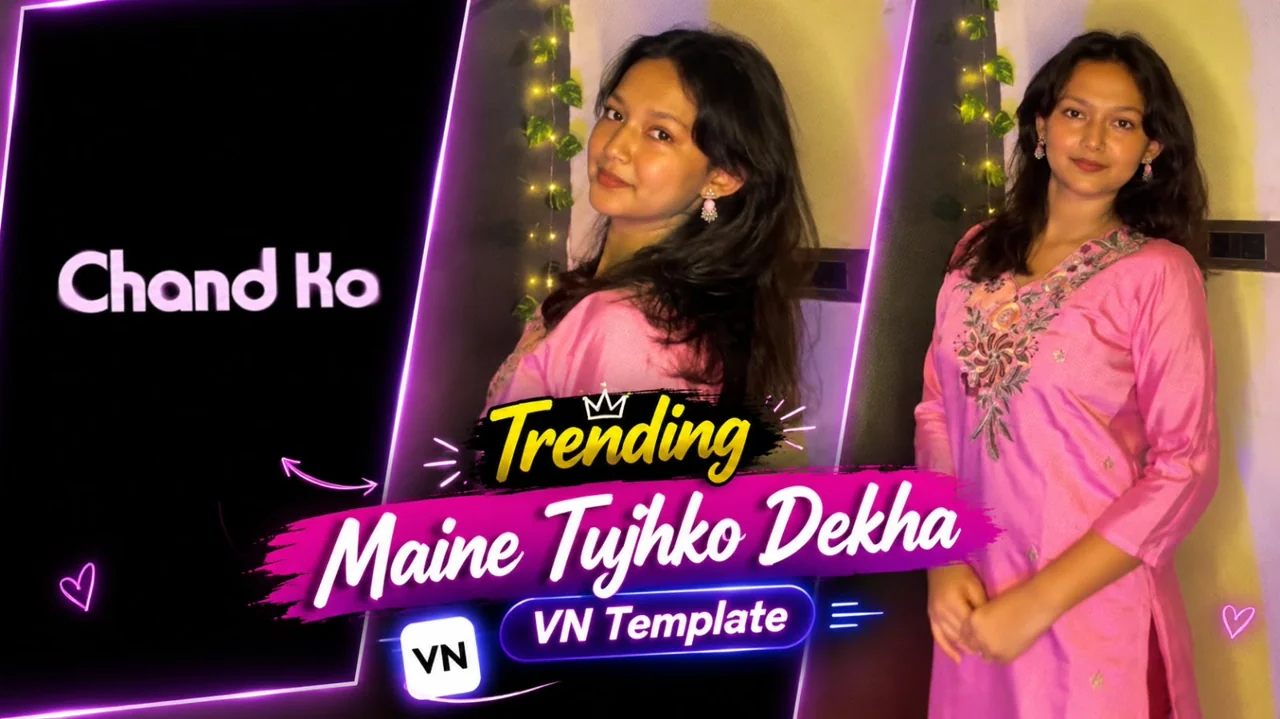
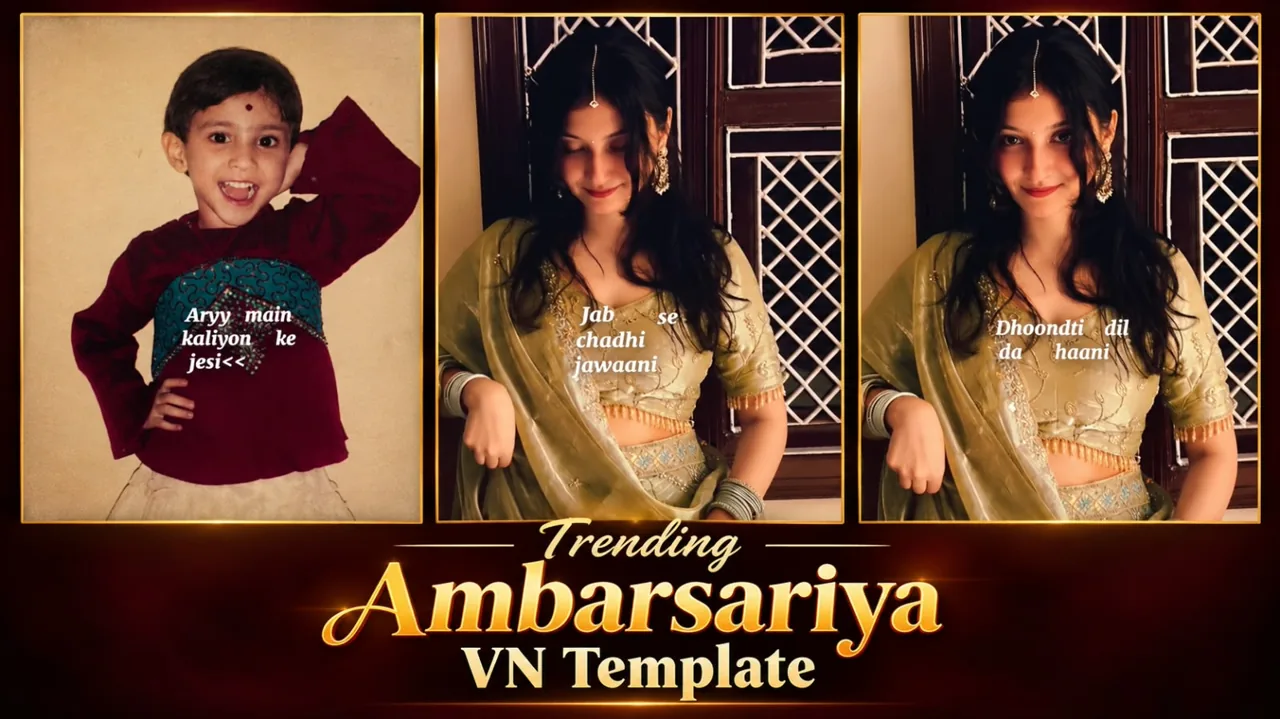
Topic reference and preview image: Ghaus Editz. Preview rights remain with their respective owners. This HilluBhai tutorial is independently written; the image is a source preview, not proof of a tested template. Reference title: Dilruba Dilnasheen Song Reels VN Template Code | Instagram Viral Reels Editing VN Code – Ghaus Editz. No third-party branding has been removed.


Post Comment