Hey Bhagwan Ek Thar Dedo VN Edit: Turn Your Dream-Car Reel Into a Story
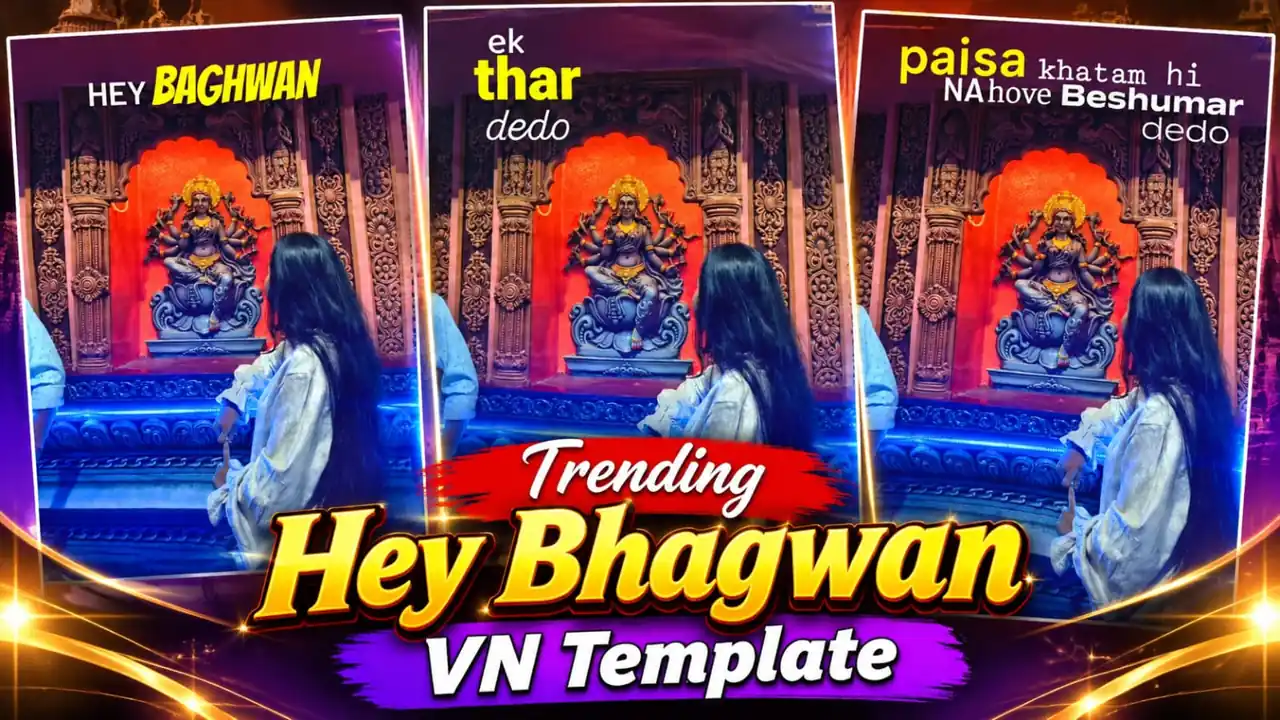
Hey Bhagwan Ek Thar Dedo VN Edit is the starting point for this original HilluBhai editing walkthrough. Explore our VN Reels editing guide for related ideas, then follow the practical creative plan below to give your own footage a clear story.
VN Template QR Code
Save the original QR image below to your phone. Open VN, use its QR scanner and choose the saved image from your gallery. Follow the template import prompts, replace the media and preview the result.
Template 1
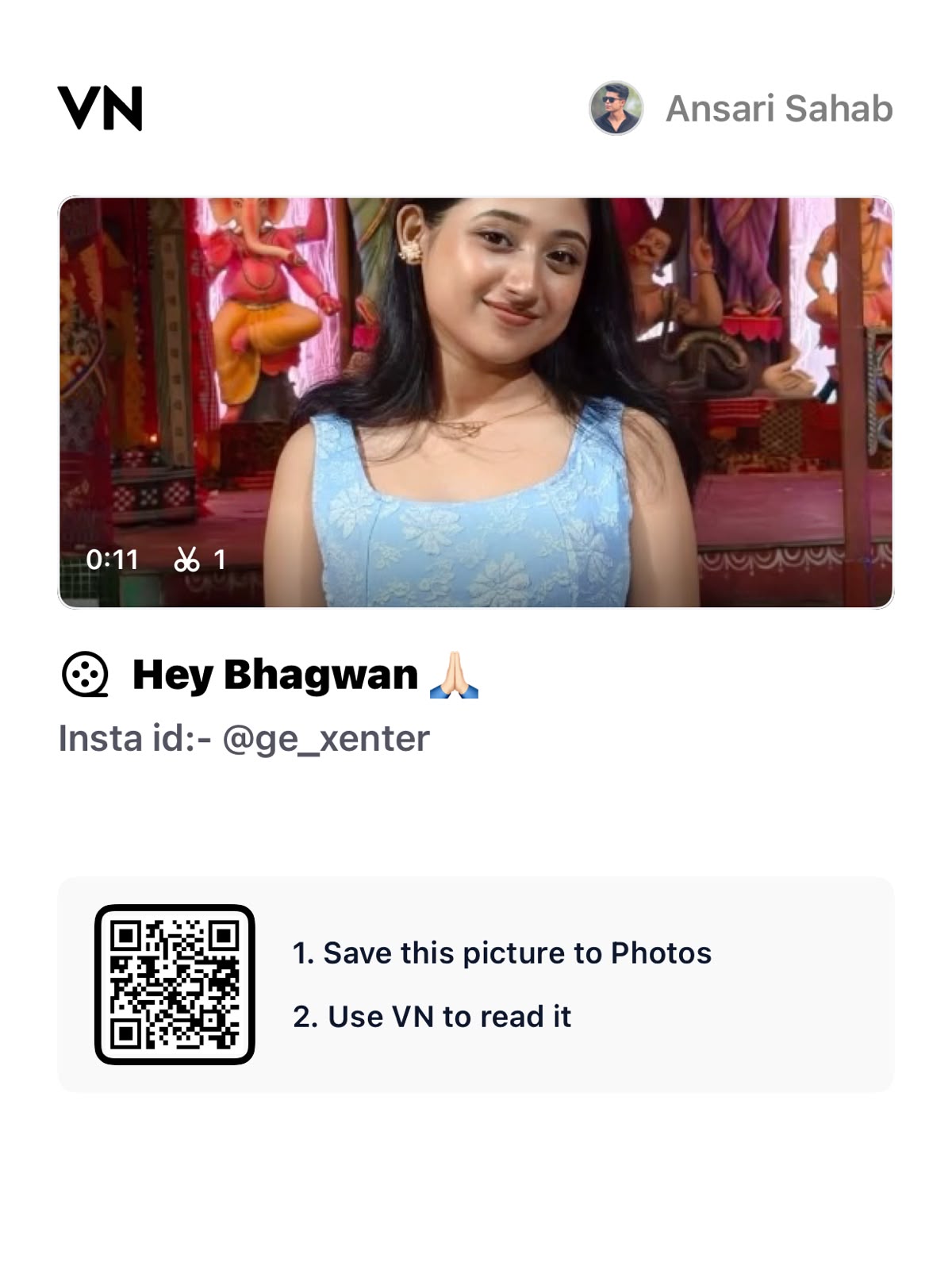
Decoded VN template code:
VN://template?uuid=ffd937e0b72c4be0b0d894563ccfe991The QR payload has been decoded and confirmed to contain a VN template identifier. Import availability and playback inside VN have not been tested. If VN cannot retrieve it, the creator may have removed or restricted the project.
Plan the pictures first, then choose the effects. The suggestions below are a creative workflow, not a claim that one template guarantees viral reach.
Make the vehicle the clear subject
A dream-car Reel works when the viewer understands the aspiration at once. Use a clean opening photograph with the vehicle clearly visible. A busy dealership background can distract from the idea; a road, a simple parking space or an outdoor setting gives the car a stronger silhouette.
Tell a small aspiration story
Arrange the edit as wish, anticipation and reveal. Start with yourself or a detail such as a key ring, then move to the vehicle. This is a suggested creative sequence, not a claim about the exact contents of a particular downloaded project. Use the actual template slots to refine the order.
Collect varied camera angles
Combine a front three-quarter view, a side view and a detail such as a wheel or headlight. Repeating nearly identical photographs wastes the beat changes. Keep registration plates and private information out of frame where appropriate. Use your own footage or images you are allowed to publish.
Keep edits grounded in the footage
A short punch-in can emphasise a reveal, but an excessive shake makes a parked car harder to appreciate. Check that the vehicle remains proportional throughout. Avoid stretching an image to make the car appear larger. A simple timed cut often looks stronger than several stacked effects.
Use captions honestly
A dream-car caption should not suggest that you own a vehicle you do not own. Make the aspiration clear through your wording. Keep any humour friendly and avoid false giveaway promises, fake booking claims or misleading purchase information. The visual concept needs personality, not a fabricated story.
Film responsibly
Record only from a safe position and avoid creating shots that depend on distracted driving. A stationary exterior sequence can still look cinematic. Finish with a clear hero frame that remains readable as a cover image on your profile.
Import the supplied QR code
Use the QR image above in VN’s scanner, follow the import prompts and replace the template media with your own photographs or clips. Keep the creator’s restrictions and credit requirements in mind.
Prepare and import your media
Keep your selected originals in one folder and remove accidental duplicates. Open a regular project for a manual edit, or use VN’s template import controls for a legitimate creator-supplied file. Follow the prompts shown in your version. Preview every replacement rather than assuming the first crop is correct. Preserve the original files so that a mistaken edit does not become your only copy.
Export a short test first
Use 1080p as a practical starting point when your source material supports it. For a typical photo sequence, 30 fps is a reasonable first test; match moving footage appropriately instead of choosing a higher number automatically. Check the rendered video in your gallery for sharpness, audio timing, black edges and clipped captions. A higher export resolution cannot restore detail absent from the source.
Post with the right permissions
Use photographs and audio that you are entitled to publish. A template does not automatically grant every music licence or permission to repost another person’s image. Credit the actual template creator where required. Add music through the platform’s available library only when its terms fit your intended use. Keep the editable project alongside the final render so you can correct an error without rebuilding the entire sequence.
Make a small shooting list
Before filming, list five safe stationary shots: the whole vehicle, the front corner, a wheel detail, a side profile and your reaction. Record each for a few seconds so you have room to trim. Keep reflections in mind because windows and shiny paint can reveal the person holding the camera. Avoid filming strangers who happen to pass through the background. Match the light across the shots if possible. This preparation gives you choices when a template asks for more media than expected, without forcing you to repeat the same photograph several times.
Final review checklist
| Check | What to look for |
|---|---|
| Framing | Important details stay visible from beginning to end. |
| Timing | Images and text remain readable at normal speed. |
| Export | The saved video matches your intended shape and sound. |
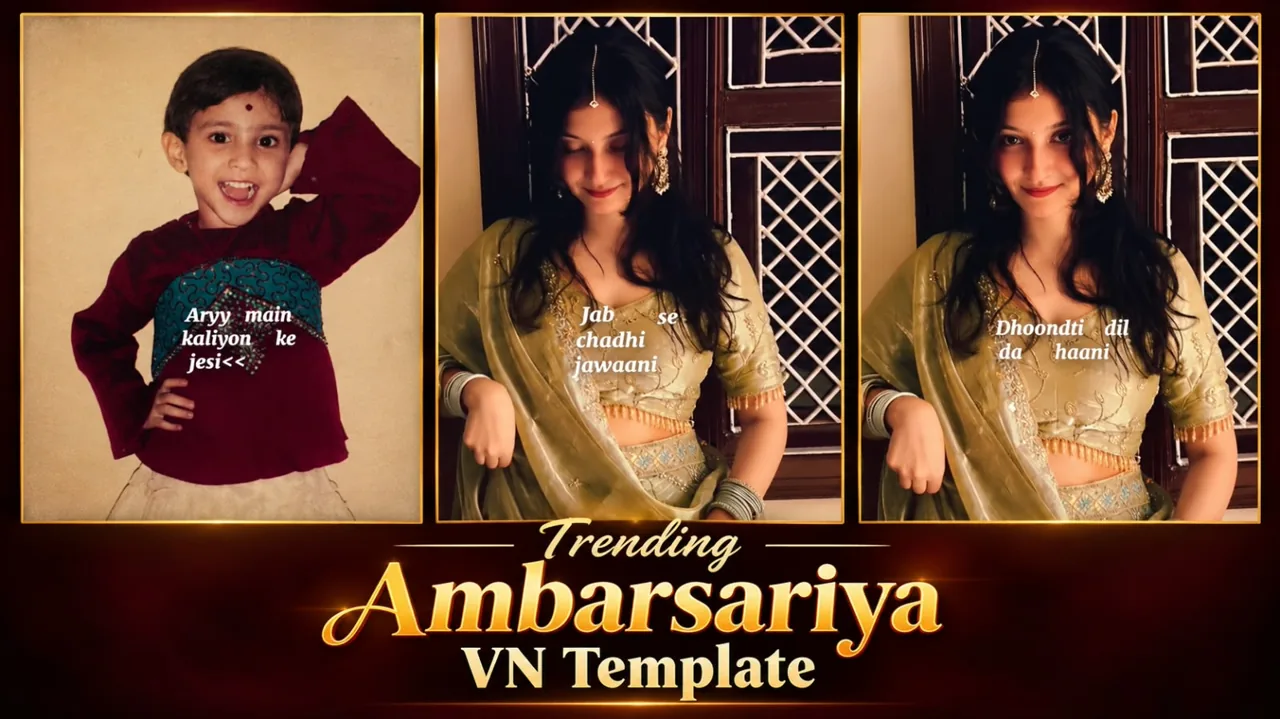
Topic reference and preview image: Ghaus Editz. Preview rights remain with their respective owners. This HilluBhai tutorial is independently written; the image is a source preview, not proof of a tested template. Reference title: Hey Bhagwan Ek Thar Dedo Reels VN Template Code | Instagram Viral Reels Editing VN Code. No third-party branding has been removed.


Post Comment