CSIR UGC NET December 2026 Schedule Released: Check Subject-Wise Dates and Shifts
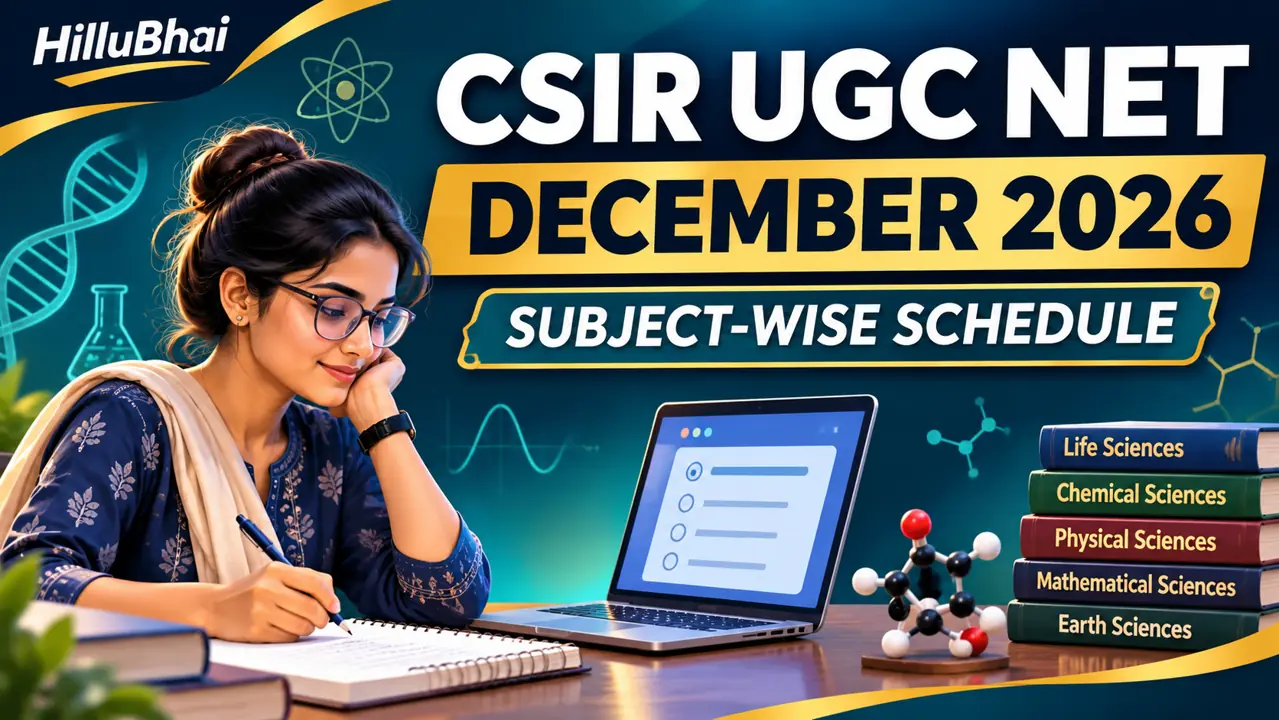
Your subject-wise December exam timetable
The CSIR UGC NET December 2026 exam schedule is out. NTA’s notice dated 20 November confirms computer-based examinations on 19, 22 and 27 December. Candidates can find their subject, shift and timing below, alongside a practical preparation checklist. Follow HilluBhai’s education news updates for more student-focused coverage.
CSIR UGC NET December 2026: subject-wise schedule
| Code | Subject | Date in 2026 | Shift | Exam time |
|---|---|---|---|---|
| 703 | Life Sciences and Biotechnology | 19 December | 2 | 3 pm–6 pm |
| 701 | Chemical Sciences | 22 December | 1 | 9 am–12 noon |
| 702 | Earth, Atmospheric, Ocean and Planetary Sciences | 22 December | 1 | 9 am–12 noon |
| 704 | Mathematical Sciences | 27 December | 2 | 3 pm–6 pm |
| 705 | Physical Sciences | 27 December | 2 | 3 pm–6 pm |
How to check the official timetable
Visit csirnet.nta.nic.in, find the Public Notices section and open the subject-wise schedule for the December session. Save the PDF and match the complete subject name against your application. The official notice should be your reference if a social-media timetable or an older calendar shows something different.
A useful habit is to keep one folder for examination documents. Save the timetable with a clear filename, add the date to your personal calendar and keep a copy accessible without an internet connection. Avoid relying on a forwarded screenshot that cuts off the notice date, subject heading or part of the table.
What to do about the admit card and city slip
The schedule notice does not announce release dates for these documents. Do not treat an estimated date in a chat group as an official announcement. Check subsequent notices and your candidate account for the instructions that apply to you.
When an exam-related document becomes available, read it fully before making travel decisions. Check your name, selected paper, allotted location and any instructions needing action. If something appears inconsistent, raise the issue through the official support channel instead of assuming that a friend’s document will explain your own allotment.
Turn the timetable into a realistic revision plan
Start by counting the preparation days available before your own paper. Divide that time between revising familiar topics, practising questions and reviewing mistakes. A plan built around your actual progress is more useful than an ambitious timetable that leaves no room for difficult chapters or ordinary interruptions.
Keep a short error notebook. For each recurring mistake, record the concept involved and the reason you went wrong: an overlooked condition, a calculation error or a gap in understanding. Revisit this notebook regularly. Simply increasing the number of attempted questions may not help if the same errors remain unresolved.
Use timed practice to observe your concentration and pacing. Afterwards, examine where time was lost and which questions deserved a second look. The suggestions here are study-planning advice, not a prediction of the paper or a replacement for the official syllabus, question pattern and marking instructions.
A candidate checklist for the coming weeks
- Record your own paper details. Keep the subject name and scheduled session together, rather than remembering only a date.
- Keep login details available privately. Store them securely and avoid sharing passwords or verification codes with people offering unofficial help.
- Plan documents early. Once issued, read the admit-card instructions and prepare exactly the documents and permitted items they specify.
- Prepare for travel. Confirm the actual centre address before choosing a route. Build in a reasonable buffer for unfamiliar roads or transport delays.
- Check updates calmly. Set aside a regular time for official notices so repeated checking does not consume your revision sessions.
Common timetable mistakes to avoid
Do not assume every science paper has the same session. Read across the entire row in the table, especially on a phone where horizontal scrolling may be necessary. Check that you are looking at the December 2026 cycle and the Joint CSIR-UGC examination rather than another similarly named test.
Before forwarding an update, check its source and publication date. If a later official correction appears, update your saved calendar and tell anyone with whom you shared the earlier information. Accurate exam planning depends on the latest applicable instruction, not on how widely a message has circulated.
Where candidates can seek clarification
The notice lists 011-40759000, 011-69227700 and csirnet@nta.ac.in for queries. Describe the problem clearly and retain a record of the response. Do not post personal application documents publicly while seeking help.



Post Comment